Purpose
Use this guide if you have forgotten your Phoenix Hosting client-area password.
Steps
Visit https://portal.phoenixhosting.co/.
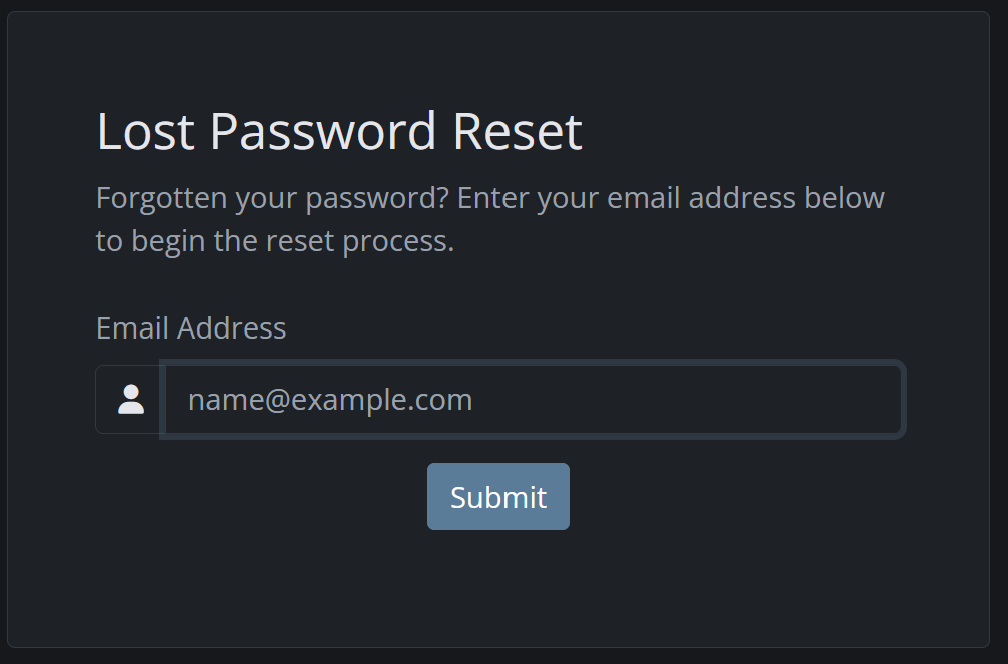
Select Forgot Password? on the login page.
Enter the email address registered on your account.
Select Submit.
Check your inbox for the password-reset email.
Open the reset link and create a new, strong password.
Return to the portal and log in with the new password.
Expected result
You receive a password-reset email and can sign in using your newly created password.
Important
Check your spam or junk folder if the reset email is not visible within [timeframe].
The reset link may expire after a limited time; request another link if needed.
Never send your password to Phoenix Hosting staffby email or support ticket.